Turn any ROM into a standalone app.
Drop a ROM onto ROM-in-a-Box and you get a self-contained app you can just double-click to play, with an intuitive menu, RetroAchievements, shaders and tons of other features.
How it works
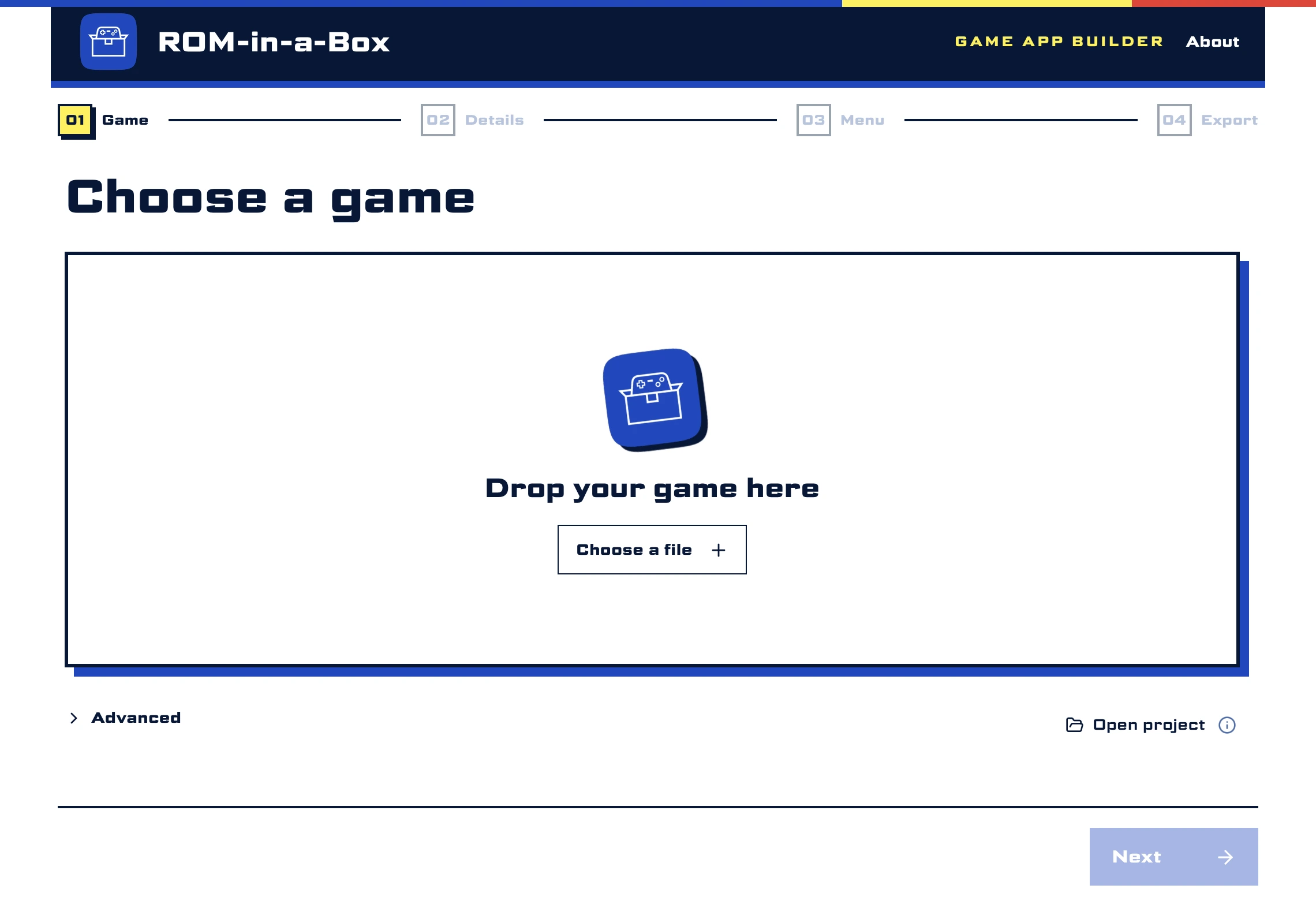
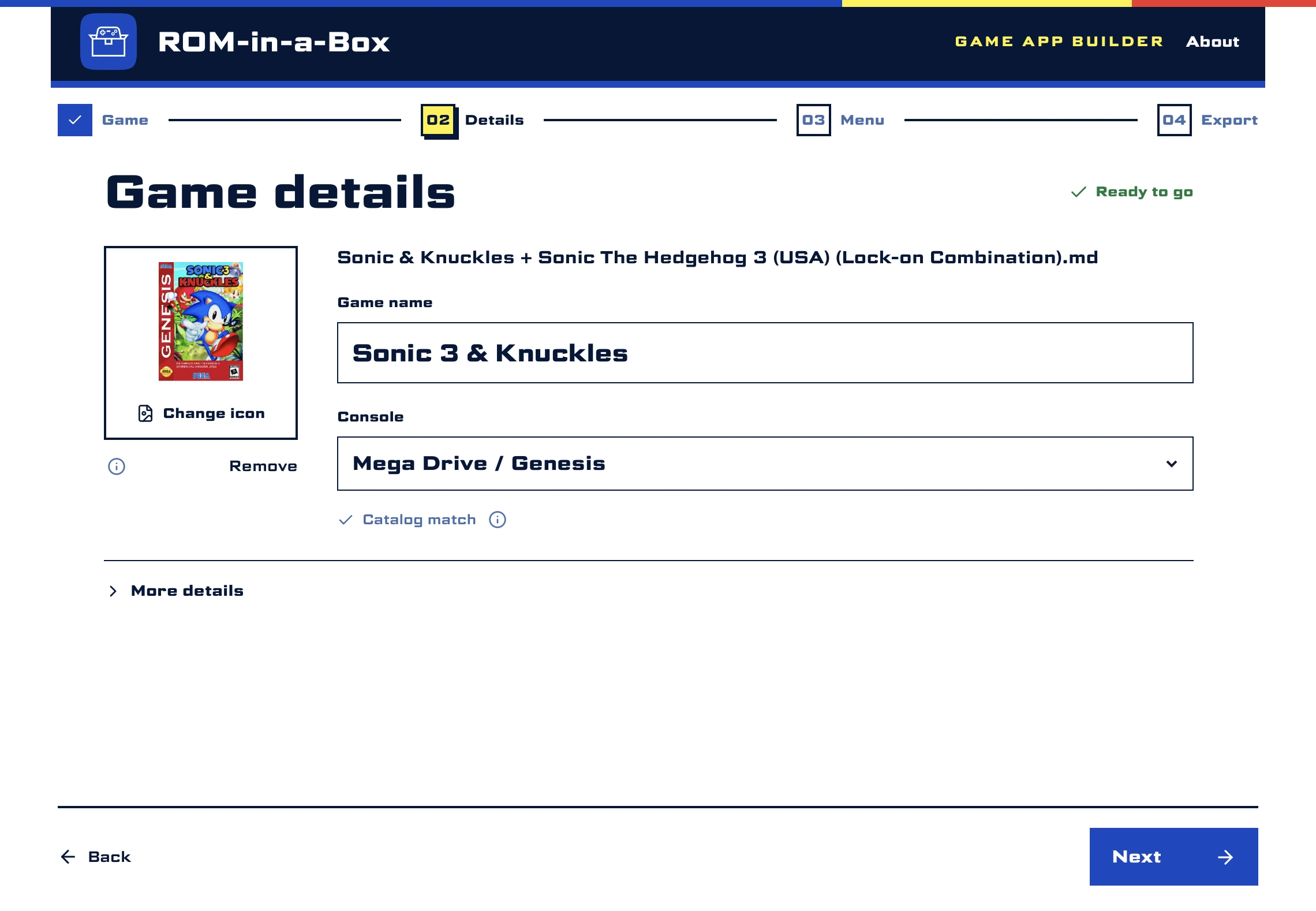
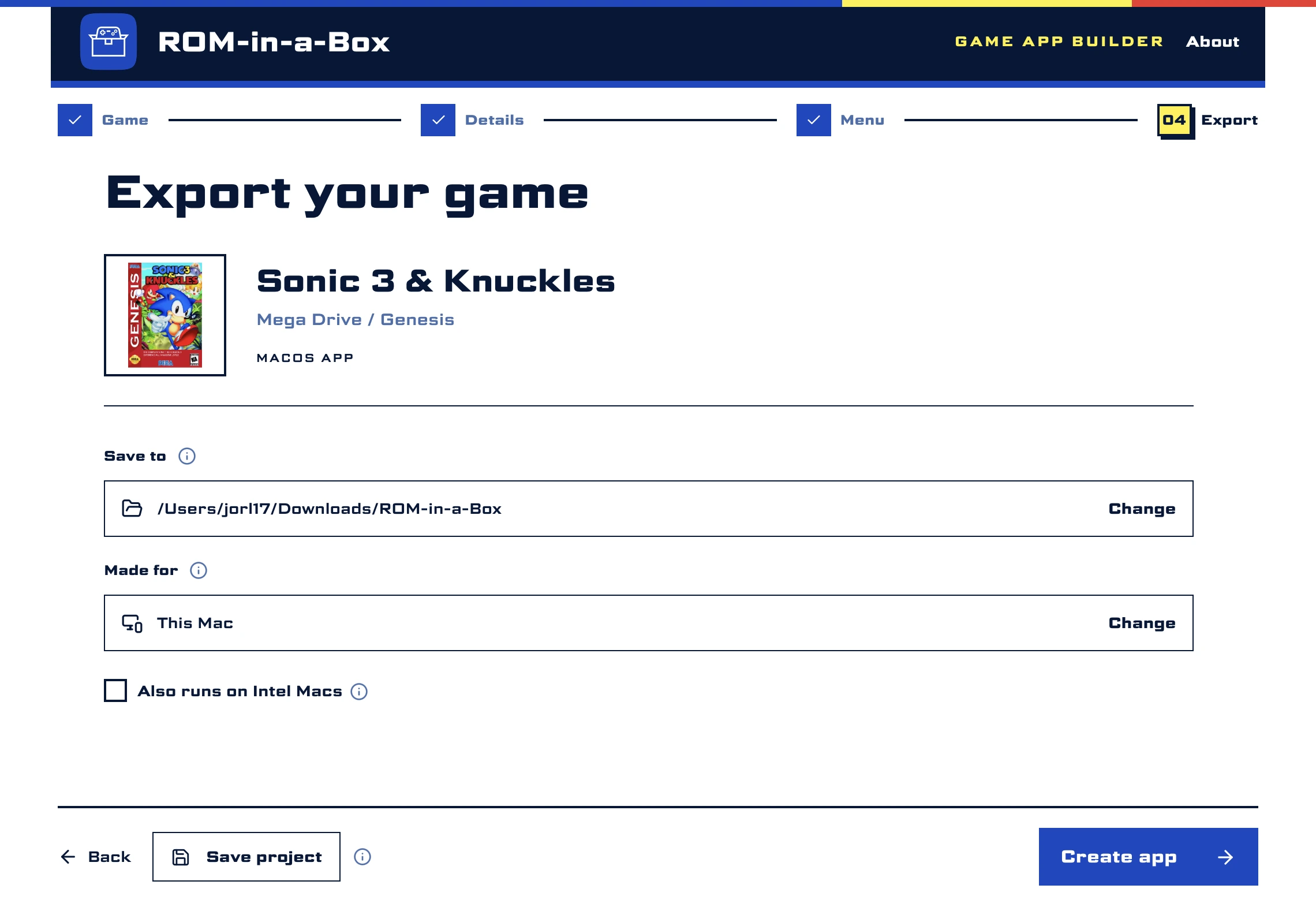
For those who would never set up an emulator
Your friend who doesn't know what an emulator is can finally play ROMs on their PC. Just give them the app and tell them to double-click.
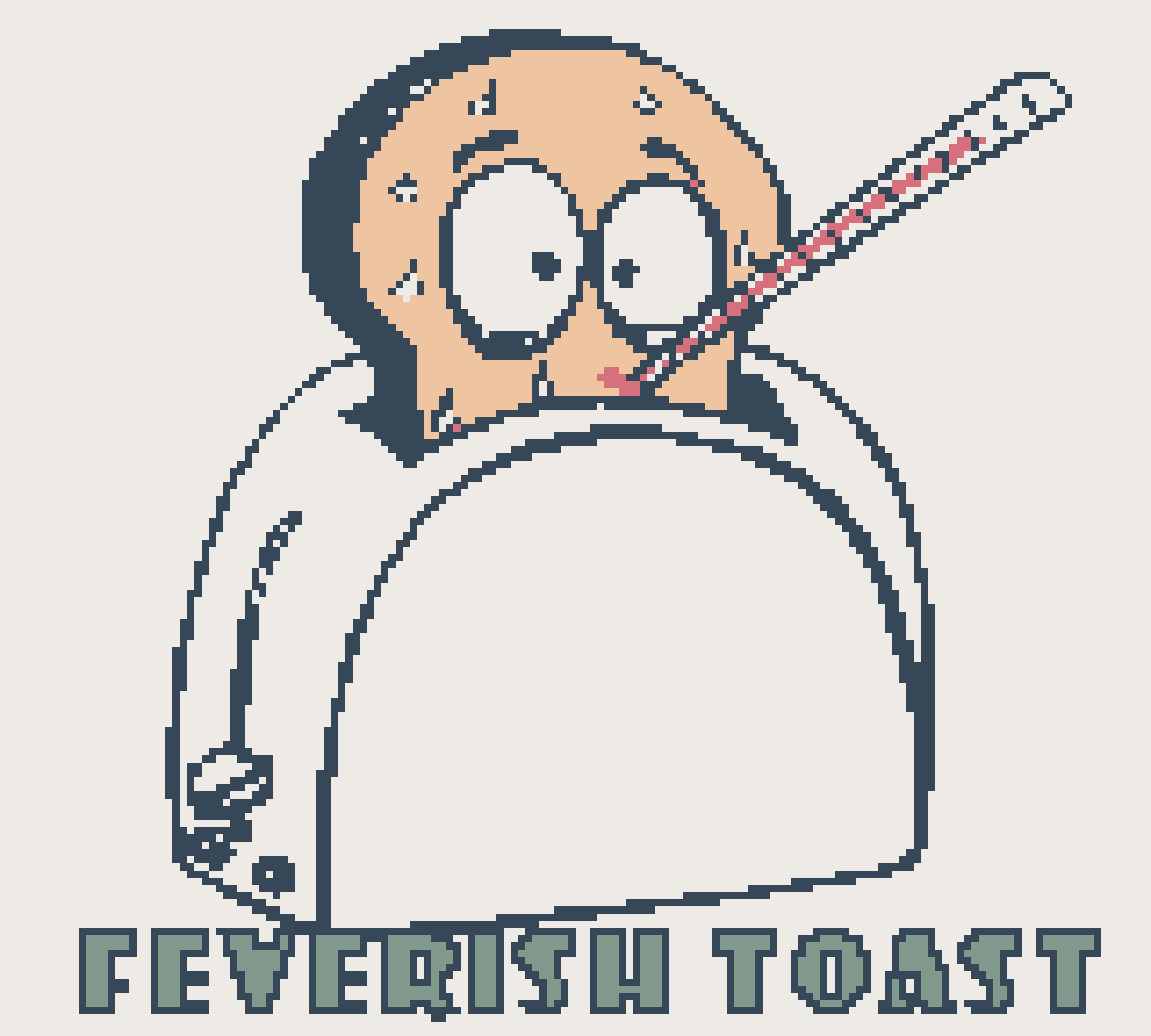
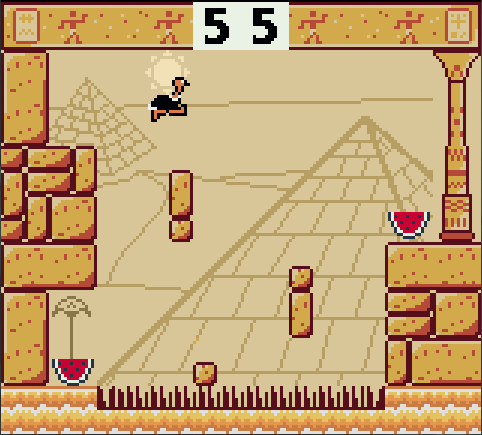
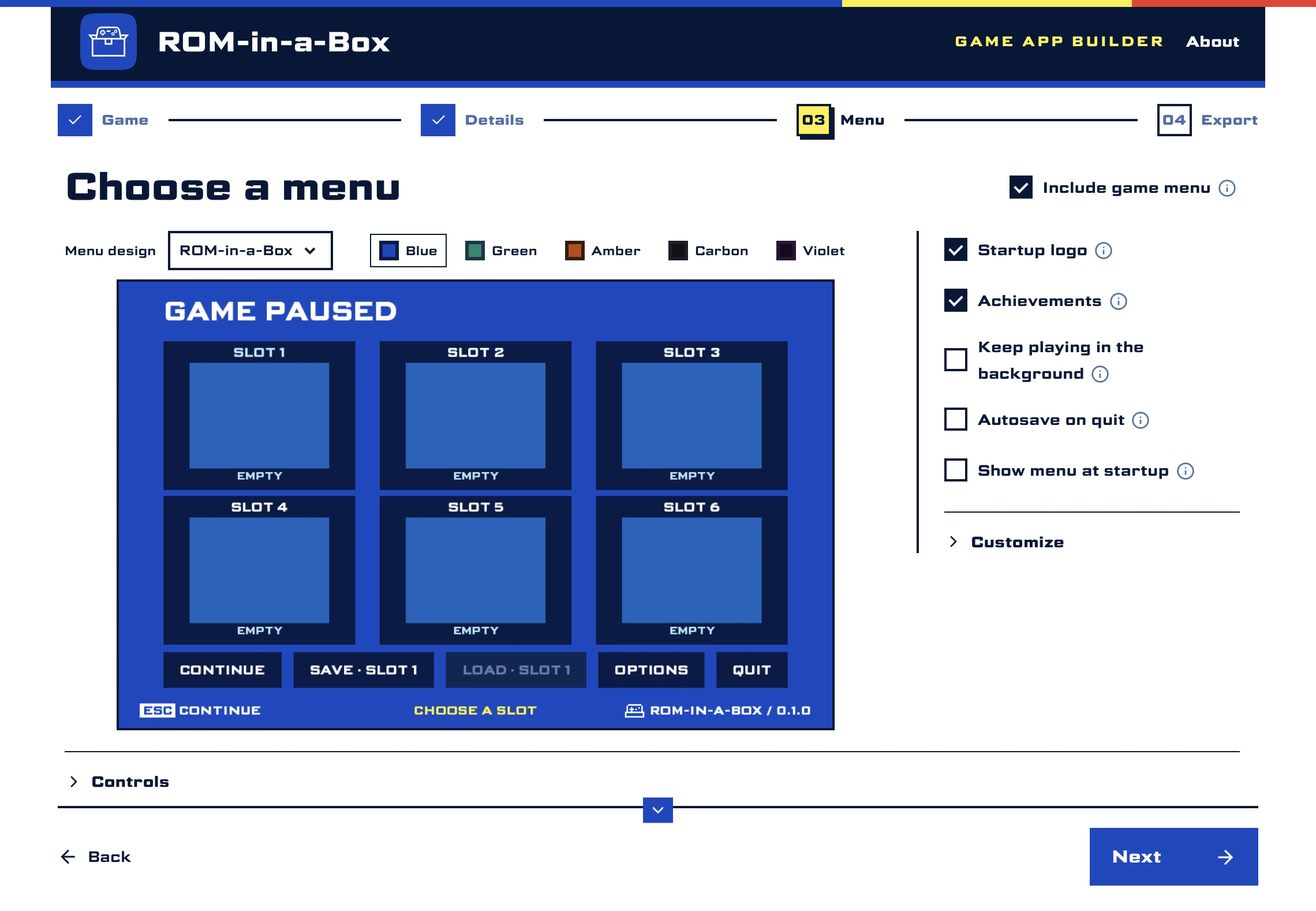
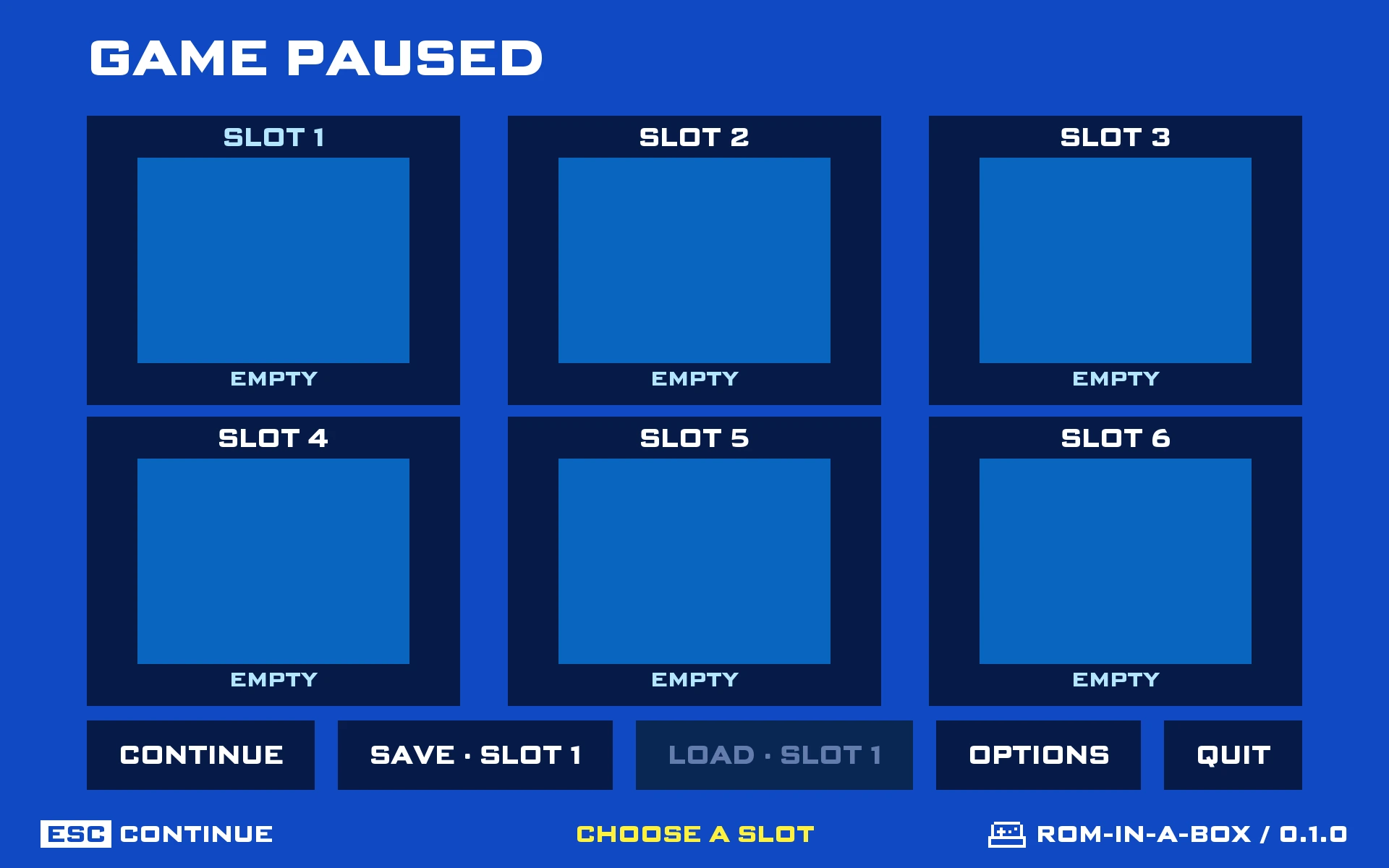
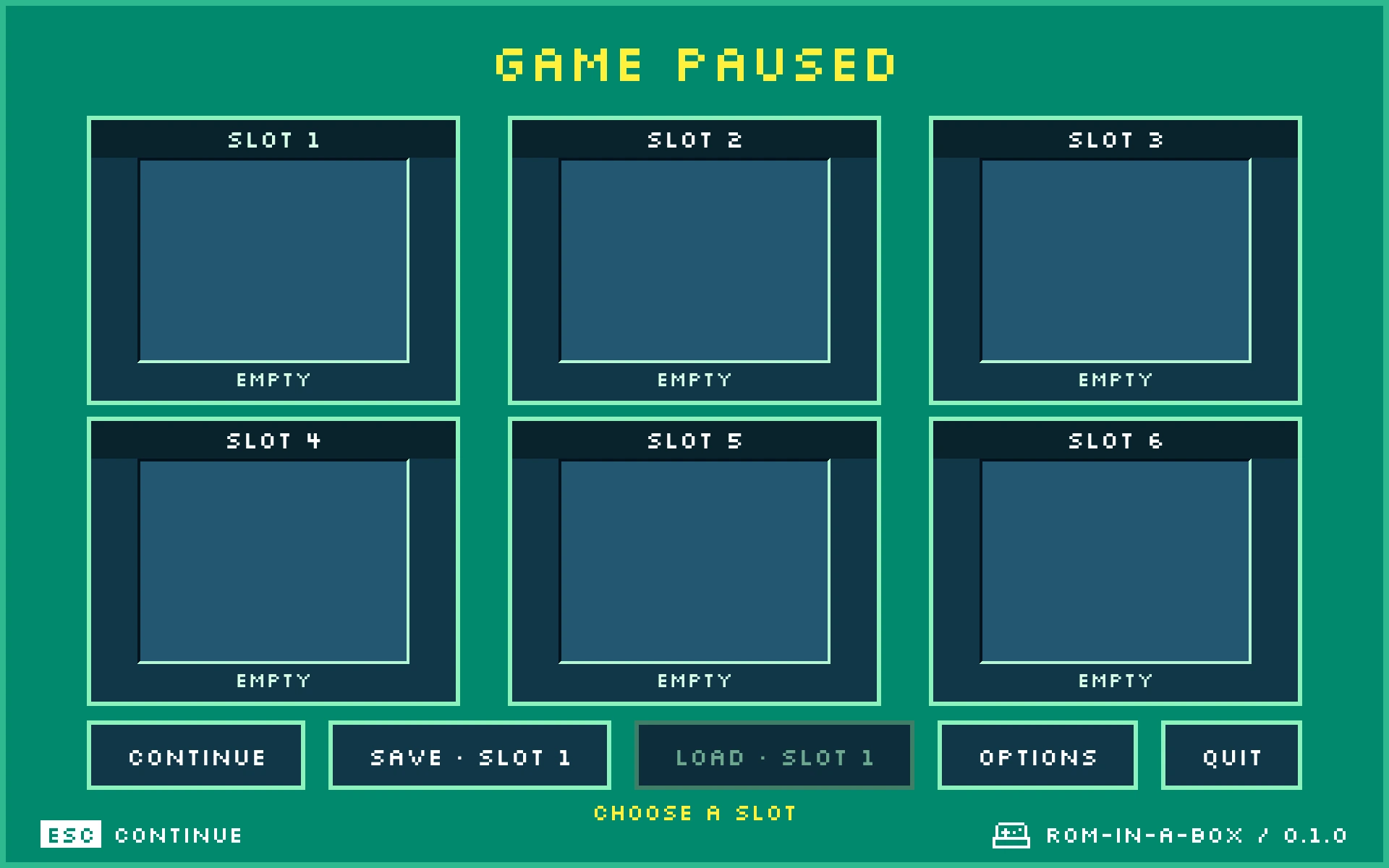
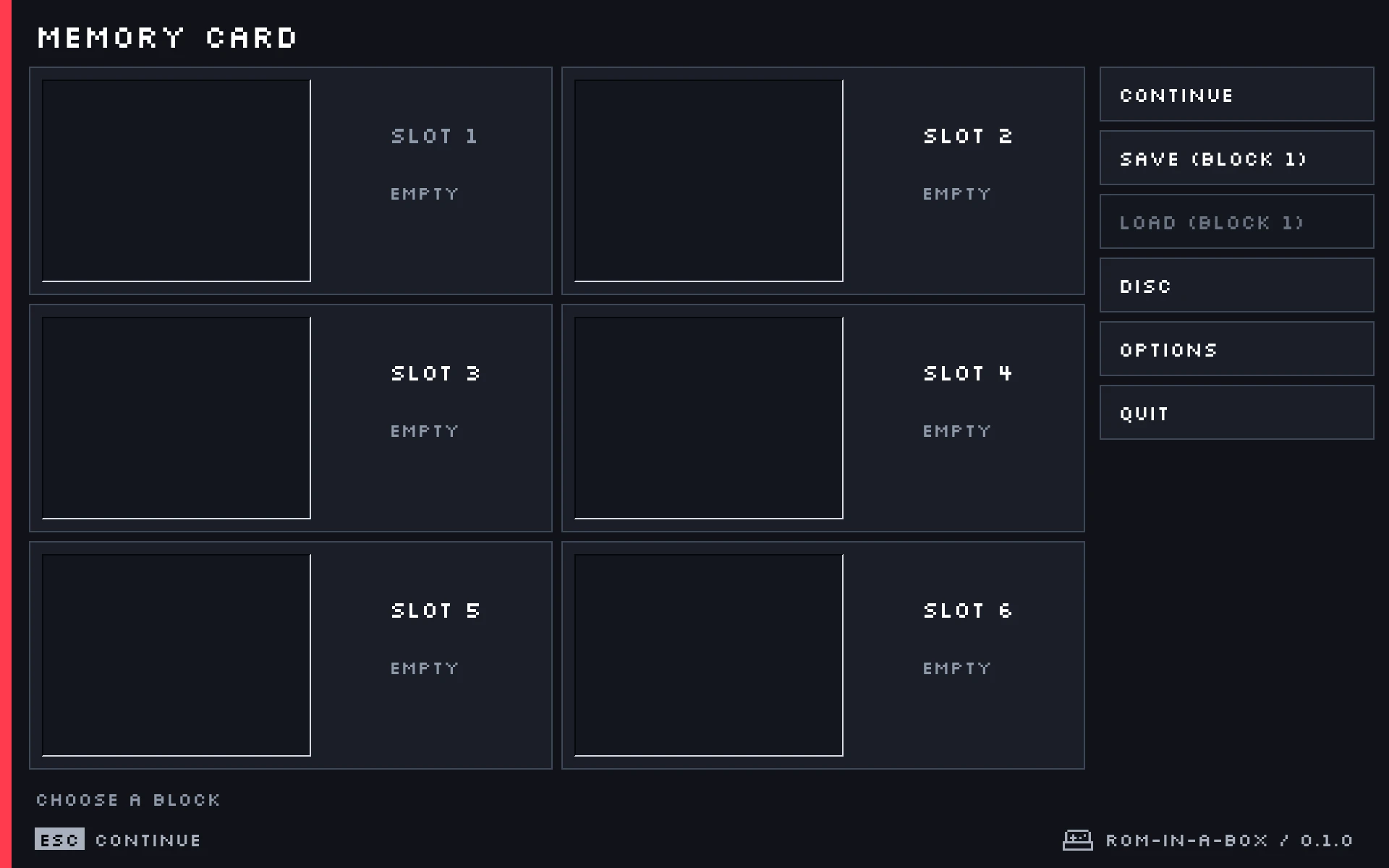
Intuitive, retro, customizable menus
ROM-in-a-Box comes with three menu designs and five color palettes. It's extensible and anyone can create designs.
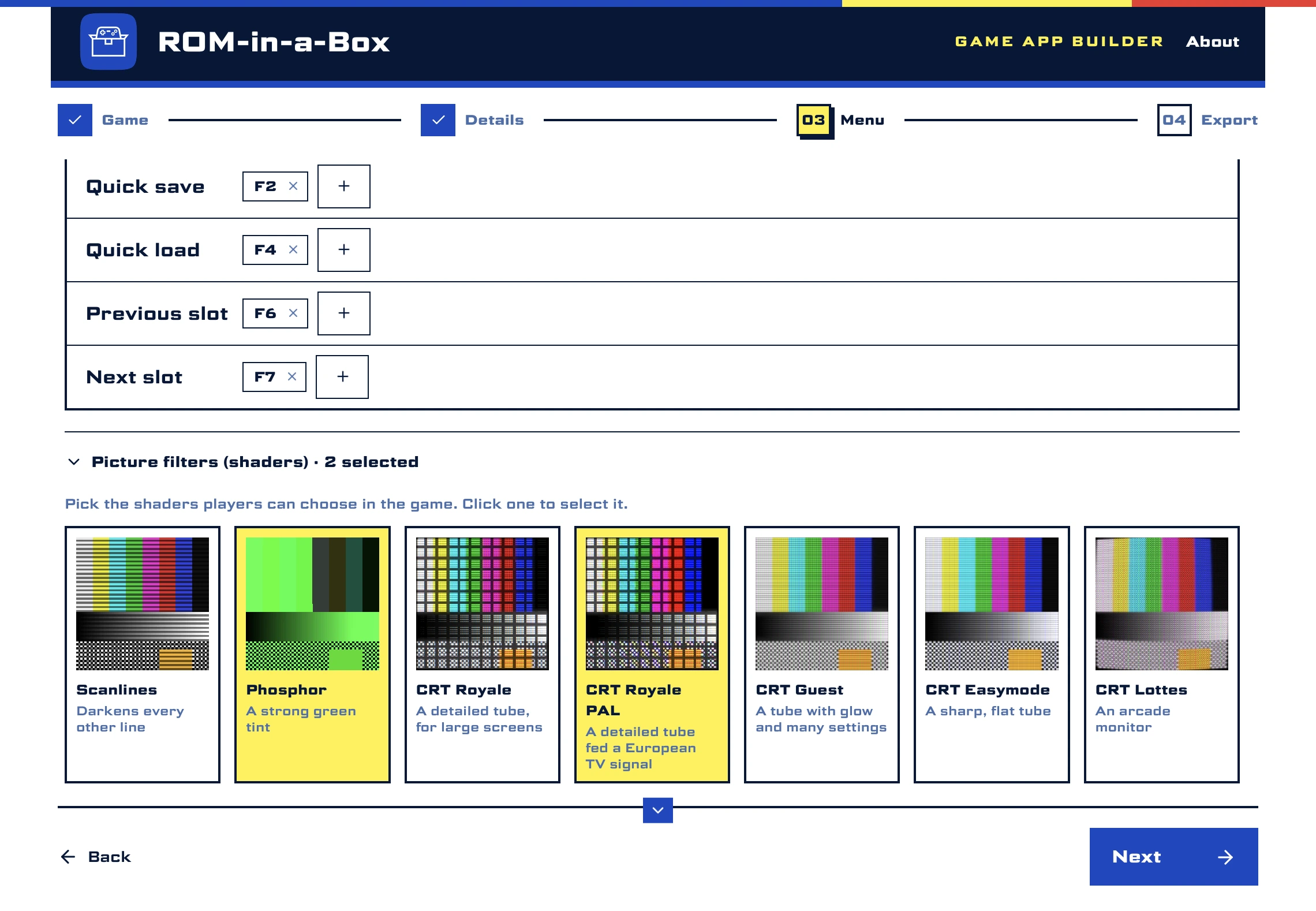
Full support for RetroArch shaders
ROM-in-a-Box comes with a set of free shaders, but you can add any RetroArch-compatible shader. You may force a shader to be on, or you may let players select them.
The easiest way to remap your controllers
ROM-in-a-Box comes with high resolution images of all controllers, so everyone can remap the keys intuitively and effortlessly.
The perfect way to play your ROM hacks
ROM-in-a-Box supports even more ROM hacks than RetroArch. And all you need to do is drag.
- IPS
- UPS
- BPS
- xdelta
- PPF
- Supports disc game patches, like fan translations of Dreamcast games
- Automatically applies PPF patches (no more moving them around!)
- Reads files built with xdelta3's default settings, which RetroArch doesn't on a Mac
RetroAchievements made easy
You can enable RetroAchievements support to get elegant pop-ups during the game. There is also a quick sign-in option that lets you sign in once and use it in every ROM-in-a-Box game.
Completely independent settings
Every game isolates its settings and sandboxes its runtime, so you never need to remember "the right settings" for "the right game" anymore.
Frequently asked questions
- Why not just use RetroArch?
- RetroArch is great, and ROM-in-a-Box uses it. But many people would rather not know RetroArch exists: they want to double-click an app and play, with a simpler menu.
- Is this legal?
- ROM-in-a-Box doesn't include or distribute any games. You use it with games you own.
- Is ROM-in-a-Box free?
- Yes, and it's open source. The code is on GitHub.
- Do you support RetroAchievements?
- Yes. You sign in once, and every game made with ROM-in-a-Box uses the same account.
- Do you support shaders?
- Yes. ROM-in-a-Box comes with a set of free shaders, and you can add any RetroArch-compatible shader.
- Do you support save states?
- Yes, with six save slots. You can also turn save states off for a game.
- Do you support gamepads?
- Yes.
- Isn't it dangerous to have several RetroArch installs?
- No. Each game runs in a sandbox, so games and RetroArch installs don't collide.
- Which platforms are supported?
- Mac and Windows. Linux is planned.
- Was this vibecoded?
- Yes. If that turns you away, I understand. Still, why not try it and see if it's up to your standards?
- Why does Windows Defender flag your installer?
- The installer is not signed with a code-signing certificate, so Microsoft may warn that it comes from an unknown publisher and call it dangerous. You don't need to worry: it is safe to run. Choose “More info”, then “Run anyway”.
- Can I update a game's emulator core?
- Not directly. Save the project when you make the app, and export it again later: the new app uses the latest core, and players keep their saves. If you want to update cores often, RetroArch is probably the better choice.
- Is my game uploaded anywhere?
- No. The game stays on your computer. Only the game's name is sent, to find its box art.
- Which consoles are supported?
- Mega Drive / Genesis, Sega CD / Mega-CD, Master System, Game Gear, SG-1000, Game Boy, Game Boy Color, Game Boy Advance, NES, Super Nintendo, Nintendo 64, GameCube, PlayStation, PlayStation 2, Dreamcast, Atari 2600, Atari 5200, Atari 7800, Atari Lynx, PC Engine / TurboGrafx-16, PC Engine CD / TurboGrafx-CD, Neo Geo Pocket, Neo Geo Pocket Color, WonderSwan, WonderSwan Color.
- Really?!
- Ok, I'll be honest: I have only personally tested the Mega Drive, Game Boy, Game Boy Advance, PlayStation, NES and Dreamcast, with an emphasis on the Mega Drive. If you find any problems, why not report a bug?
- How big is an app?
- One of the goals of ROM-in-a-Box is to trim unnecessary features for most users. As a consequence, a cartridge game is as small as 35 MB, including RetroArch and its cores.Universal macOS builds are twice as big, and the size also depends on your game.